Post-Generation Scripts
Introduction
We use one post code generation script. We do this because we do not want to write code inside the auto-generated code, and this helps with that. If you are on Linux or (possibly, untested but likely) mac, you can refer to the script in the cubeMX software by going into Project Manager -> Code Generator -> User Actions -> After Code Generation. If you are not on a UNIX based system you have to run it every time after generating code manually from the folder where the file is located. The file is located under scripts and is called post_code_generation.bash. For mac, the script is called post_code_generator_mac.bash, because there are some small formatting changes, more explained in Mac Changes. THE MAC SCRIPT IS NOT UP TO DATE RIGHT NOW!
Functions
The script has 5 different functions
Renaming main files
It starts by renaming all main.h and main.c files that are in components. It also saved all boards that have main.c files, because those are the newly generated boards. This way you don't do certain actions on the files twice, if you would run the script again.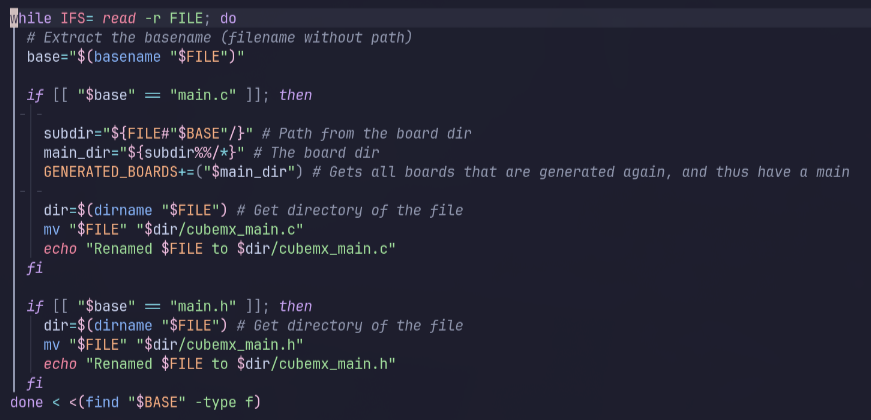
Adding firmware definitions
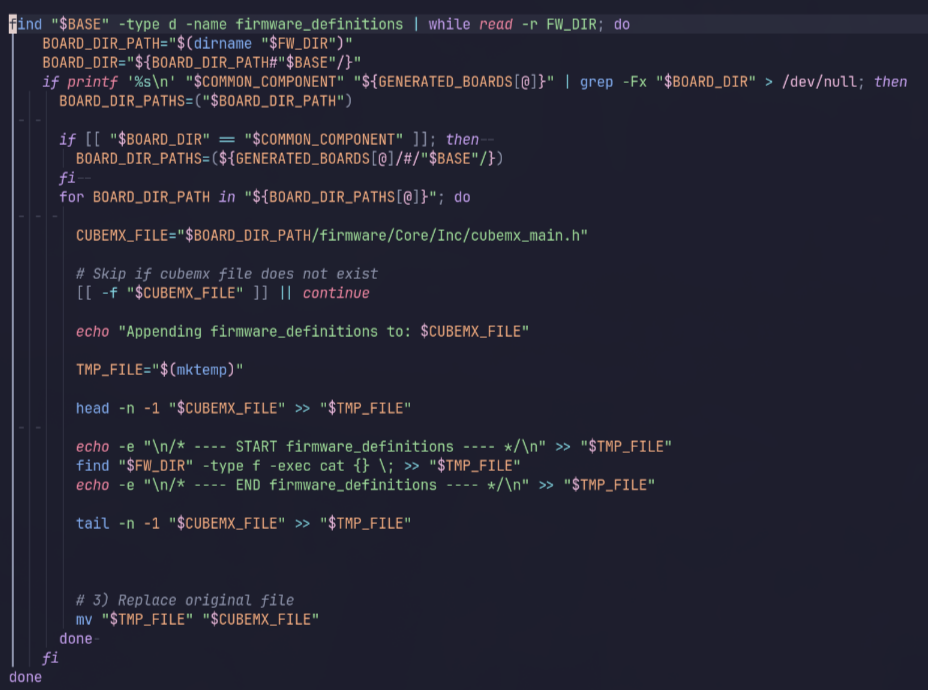
Certain constants might have to be set in the main.h files from cubemx. This happens most likely because of the order in which the files are build, but I am not totally sure. However, if you do need to have some constants set in the main.h file, you can at them to any file in the folder called "firmware_definitions" in the common folder of components. This second code block adds it to the .h file.
Adding static wrappers
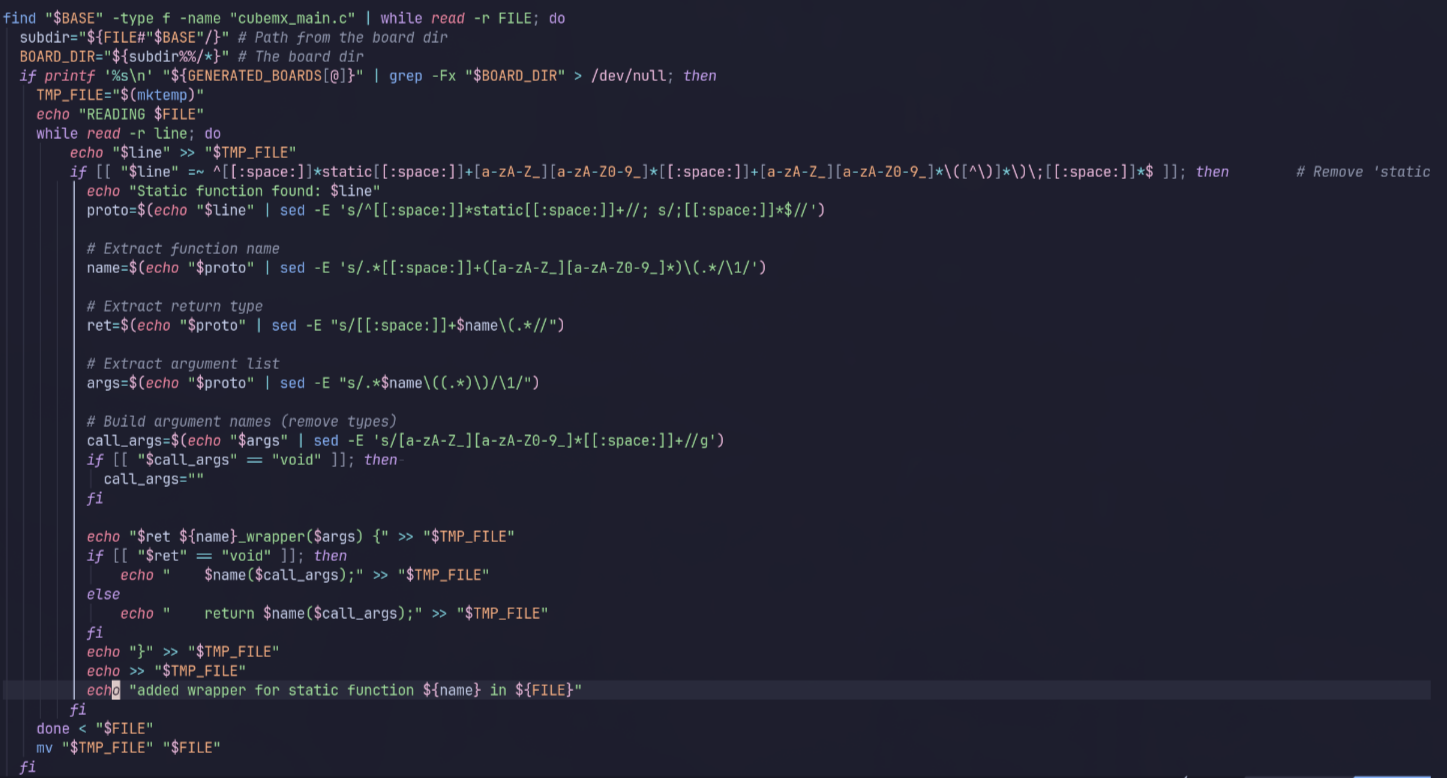
Some functions generated by cubemx you do need, but they are static so you cannot use them outside of the main file. To still be able to do that, the script adds wrappers for those files.
Changing the includes
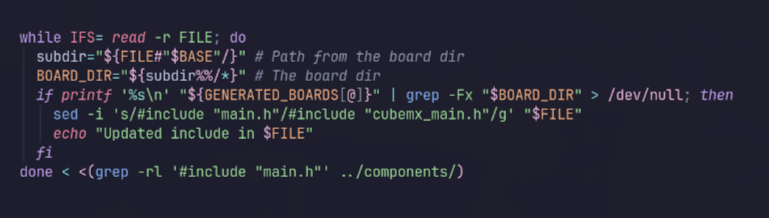
Because of the name change from main.c/h, to cubemx_main.c/h, the includes are now wrong. This last code block changes all the includes to the right name.